R12.3-2026Apr21
Manage - Map
Deep Diagnosis automatically creates a context map during the reasoning process. In addition to this auto-generated map, you can manually add maps to Deep Diagnosis for matching. In this topic, we shall explore managing map settings.
- Automatic Map Matching: Deep Diagnosis uses the embedded map name, description, tags, and map devices to match related map. This information must be defined when adding a map.
- Manual addition of Map: If a manually added map is relevant to the query input, it will appear in the Deep Diagnosis results.
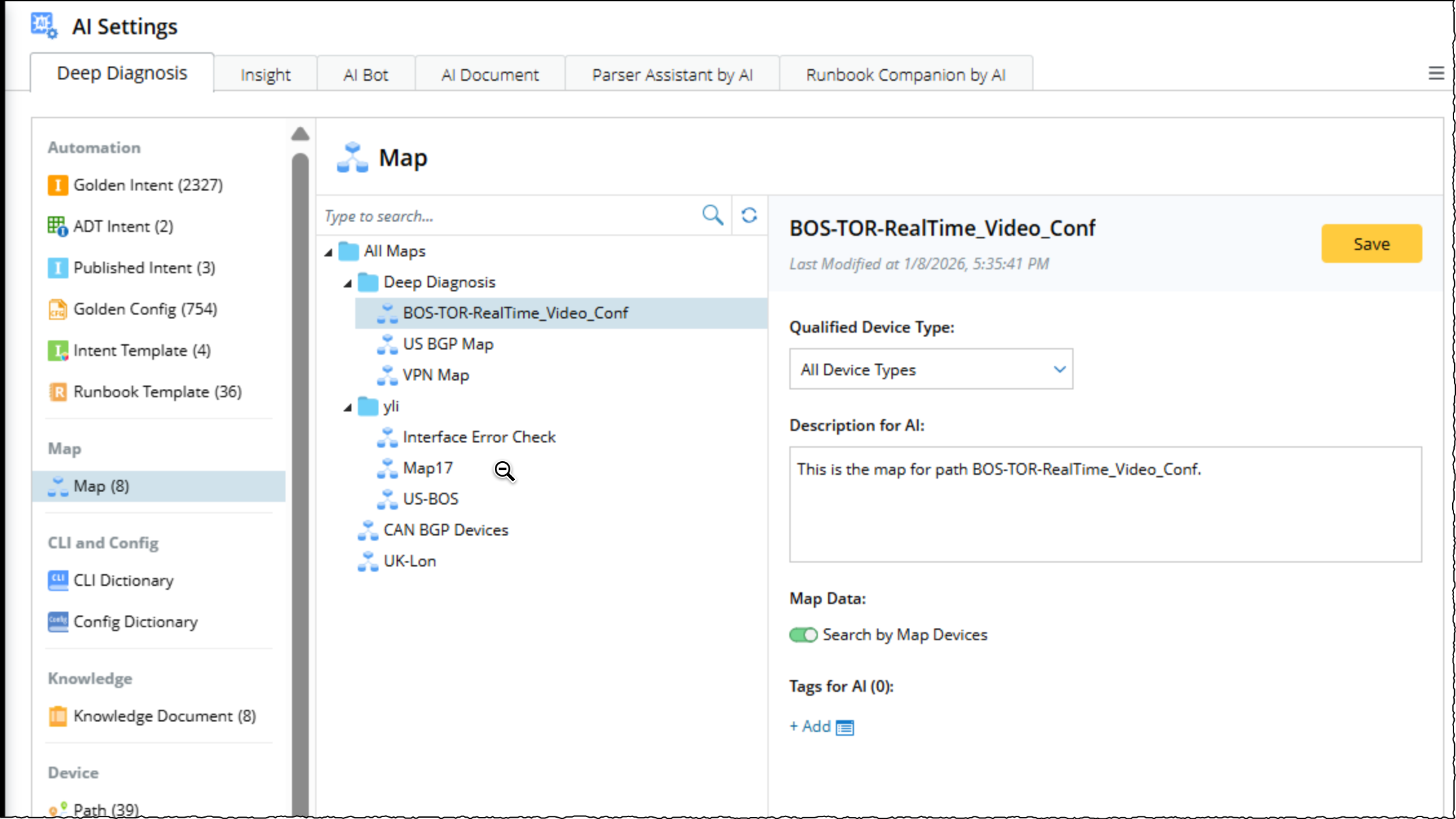
In addition to automatic and manual matching, you can Link an existing map, or Create a new map directly in Deep Diagnosis. Refer to topic Using Maps in Deep Diagnosis for more detailed information.