Deep Diagnosis
Deep Diagnosis is a AI-driven troubleshooting feature, it helps network engineers quickly identify the root cause of network issues without human involvement. And the deep diagnosis is connected with Runbook allowing the user to seamlessly move the automated diagnosis to guided step-by-step troubleshooting inside runbook. And from the runbook, the user can validate findings or take remediation actions. The findings and automations collected inside the runbook can be saved and reused without redoing any work.
The key capabilities of this feature are:
- Iterative Root-Cause Analysis: Deep Diagnosis performs troubleshooting in an iterative manner to systematically explore potential causes and narrow down to the most likely root cause.
- Powered by NetBrain Automations and Digital Twin: Leverages outputs from a wide range of NetBrain Automations (CLI results, intents, runbooks, etc.,) as its data sources. It supports both live execution and history data. It also support diagnosis across device groups, path and sites.
- Transparent Reasoning Process: Displays the step-by-step thought process so engineers can see how the conclusion was reached, aiding understanding and validation.
- Visualized Results on a Map: When a diagnosis is completed, a context map is automatically generated or updated with relevant dataviews to visually present findings, supporting faster troubleshooting.
- Support for Customer Knowledge Documents: You can upload local documents to the Deep Diagnosis Manager for embedding, enabling Deep Diagnosis to leverage customer-provided knowledge during analysis.
- Transfer to a White-Box Workflow: Deep Diagnosis results can be converted into a Runbook, enabling a human-led follow-up troubleshooting workflow. This helps engineers dive deeper into the underlying data and continue downstream analysis and remediation steps.
Query to Resolution flow
Deep Diagnosis is designed to process the query in the following sequence:
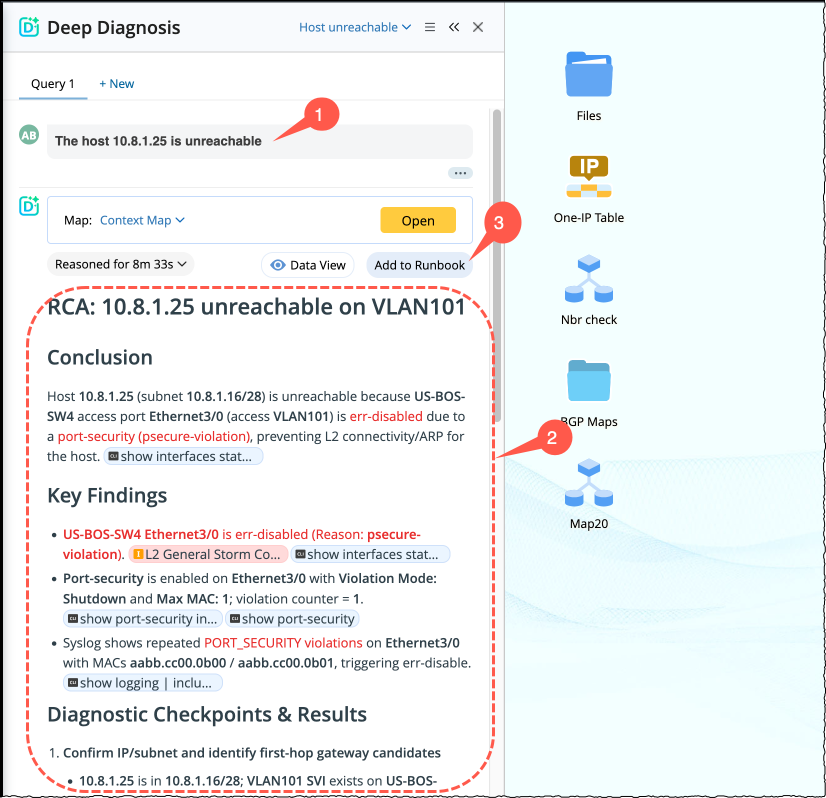
- Enter the query and click Run.
Query is processed with reasoning. Once the diagnosis is complete, results appear with Key findings, Diagnostic checkpoints & Results, and Reference links.
- User can add the diagnosis to runbook for reuse in future.
How to Access Deep Diagnosis?
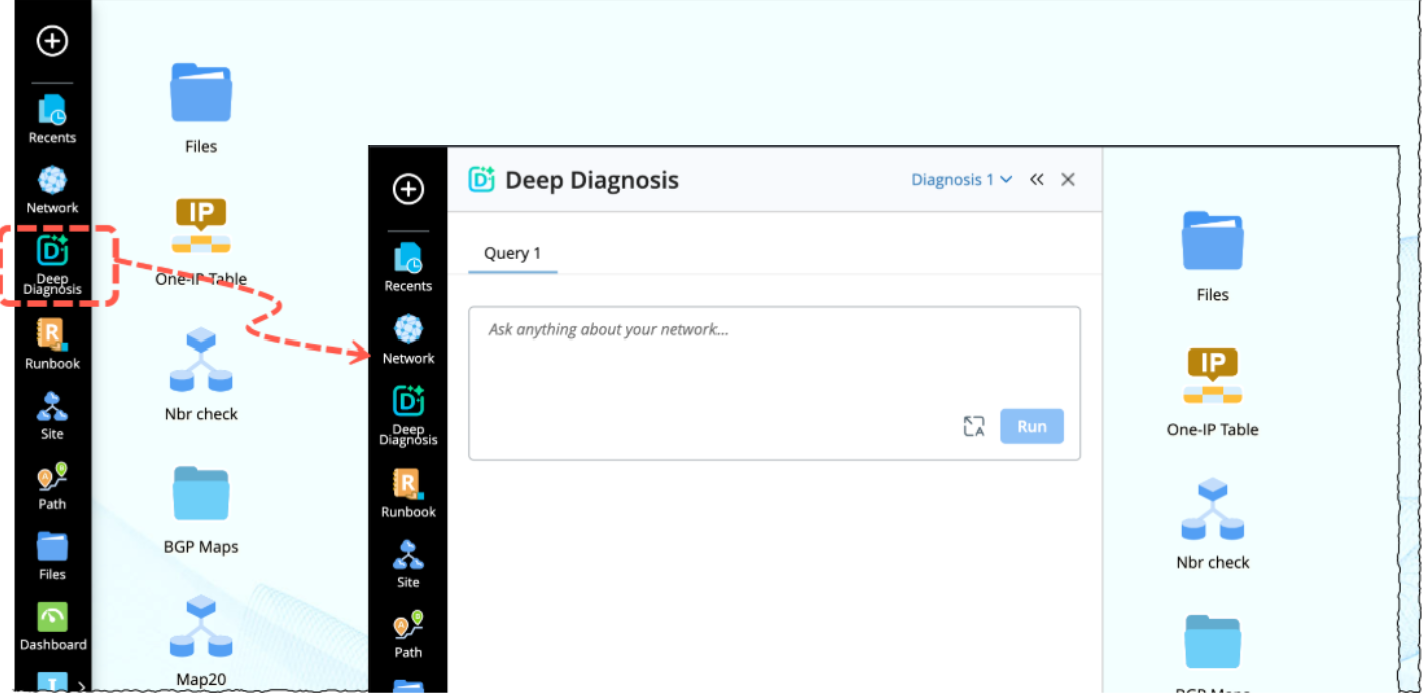
It is accessible from the desktop left bar:
-
Click Deep Diagnosis to open the feature.
-
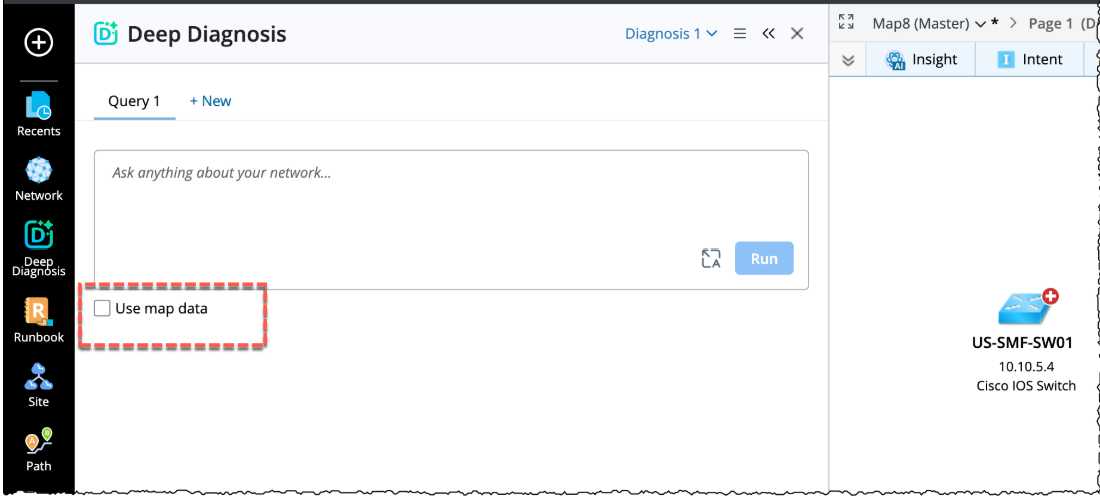
By default, it opens with a blank input box. The Deep Diagnosis can be opened with or without map. When opened without map, the option Use map data will disappear.
-
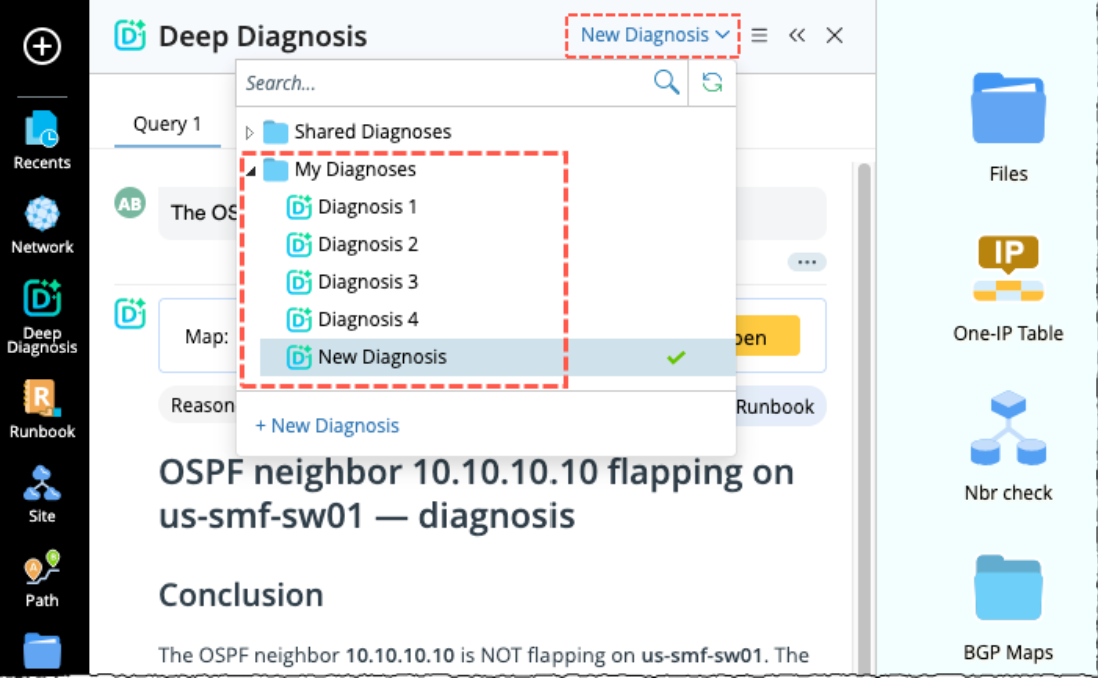
Each session is auto saved under My Diagnoses (e.g., Diagnosis 1, Diagnosis 2).