10.1.9 JA Publication
Install ADT in Triggered Automation Manager
For issues related to Automation Assets, it is preferred to trigger ADT intents to troubleshoot issues related to automation assets, e.g., checking failover links and checking Critical Route. To conveniently address and analyze the network issues of automation assets, we can install Intents of ADT to TAF and trigger these intents by events (tickets from a third party).
To define a Diagnosis for ADT intents:
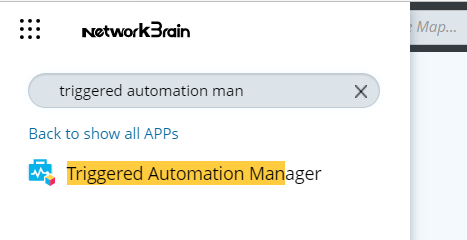
- Click
 and select Triggered Automation Manager.
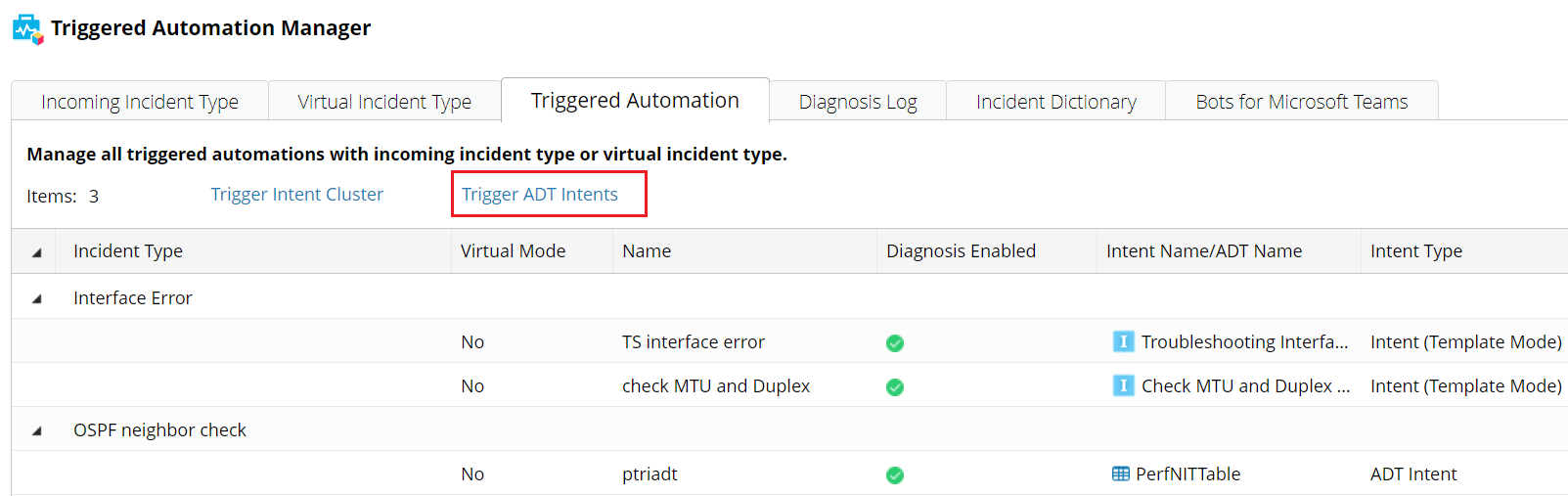
- Click Triggered Automation > Trigger ADT Intents.
- In the Configure Triggered Automation for ADT window, define the following components: