R12.3-2026Apr21
Manage AI System Settings
The system’s AI features rely on three types of LLM models:
- LLM General Model is to analyze user input and generate responses.
- LLM Reasoning Model handles tasks that require reasoning and multi-step analysis.
- LLM Pro Model handles the most complex and critical scenarios. A highly intelligent and reliable LLM model can be configured.
- Embedding Model converts the system data into a format that can be processed by AI.
Users can manage the AI System Settings on the System Management page.
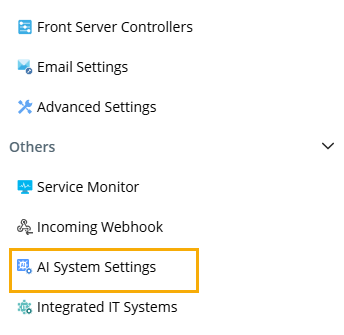
Then users can manage LLM API key settings, enable AI, and define access control.
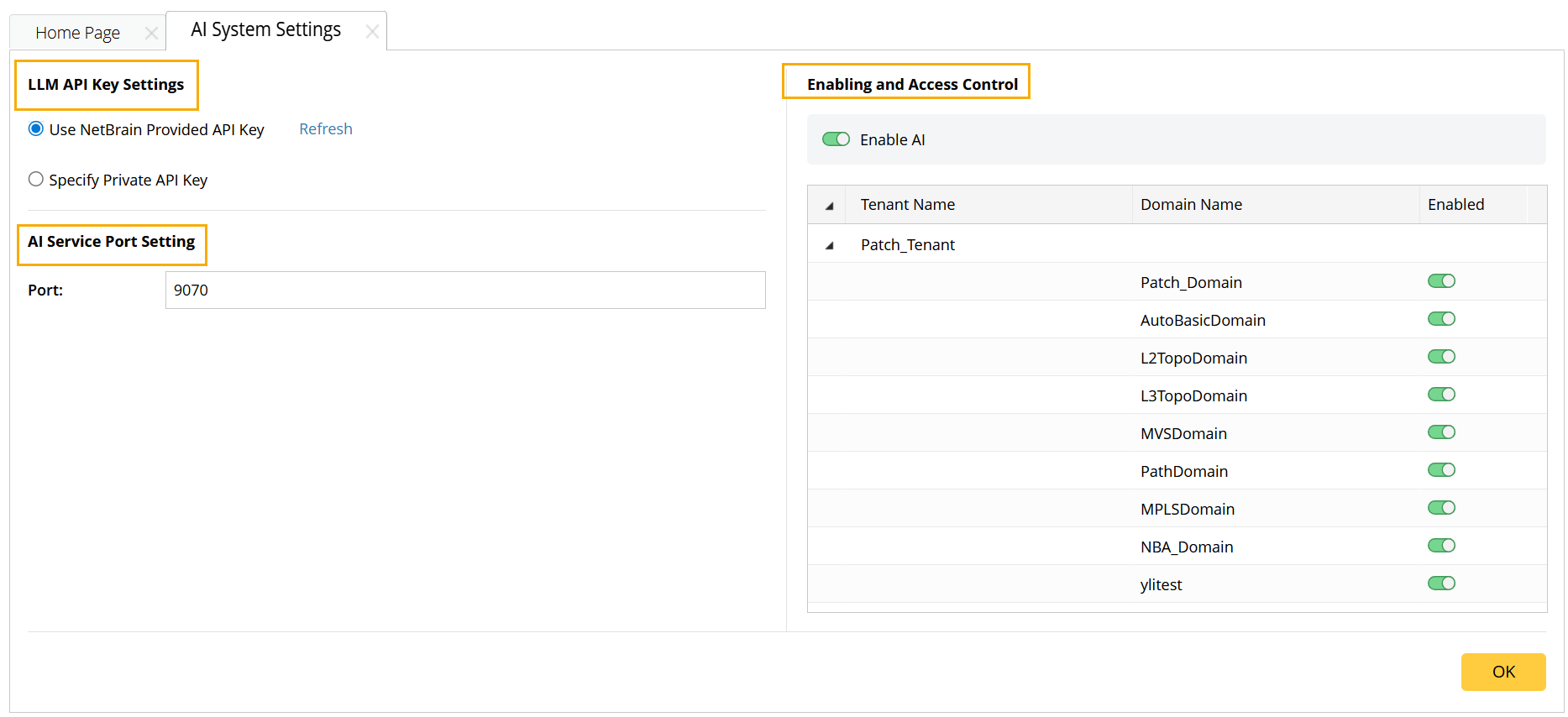
- LLM API Key Settings. Depending on which LLM provider and API key the user uses, the required configuration steps may differ.
-
Enabling and Access Control
- Enable AI. Users can enable or disable AI.
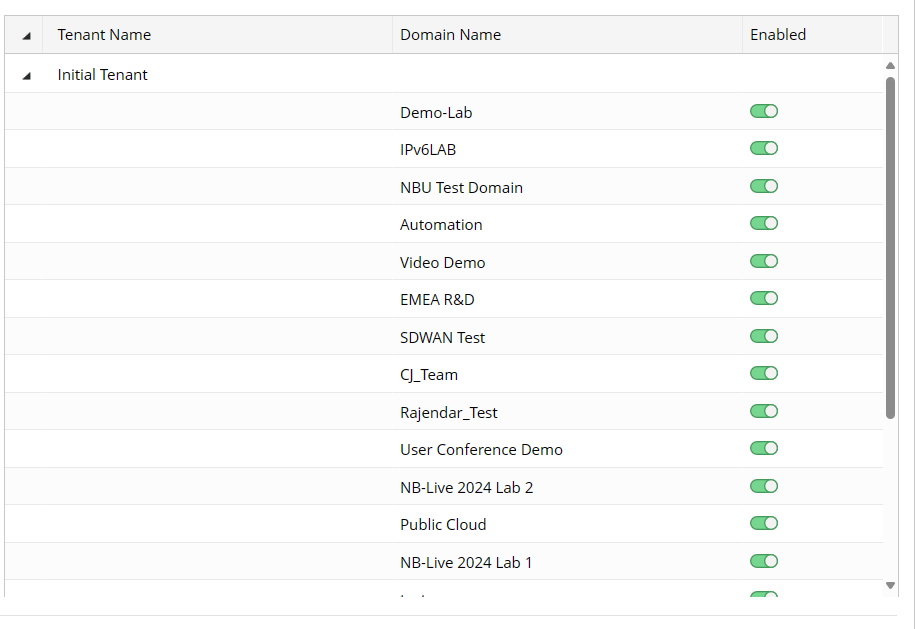
-
Users can select which domain to enable.
- AI Service Port Setting. The port number must match the one used during the system installation.
Before Using API Keys
After the API key provided by the system is ready, before starting to use the feature, please follow the steps to refresh:
- Navigate to the License tab on the System Management page and click Refresh.
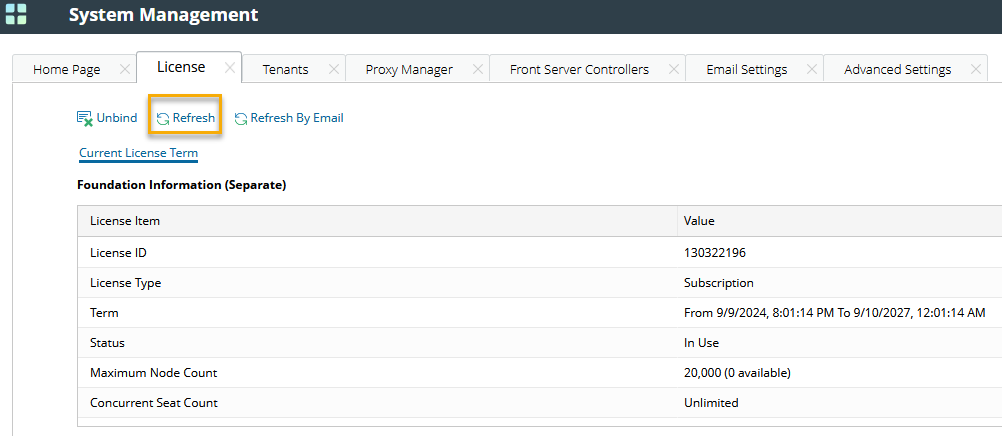
- Navigate to the AI System Settings, and click Refresh.
